
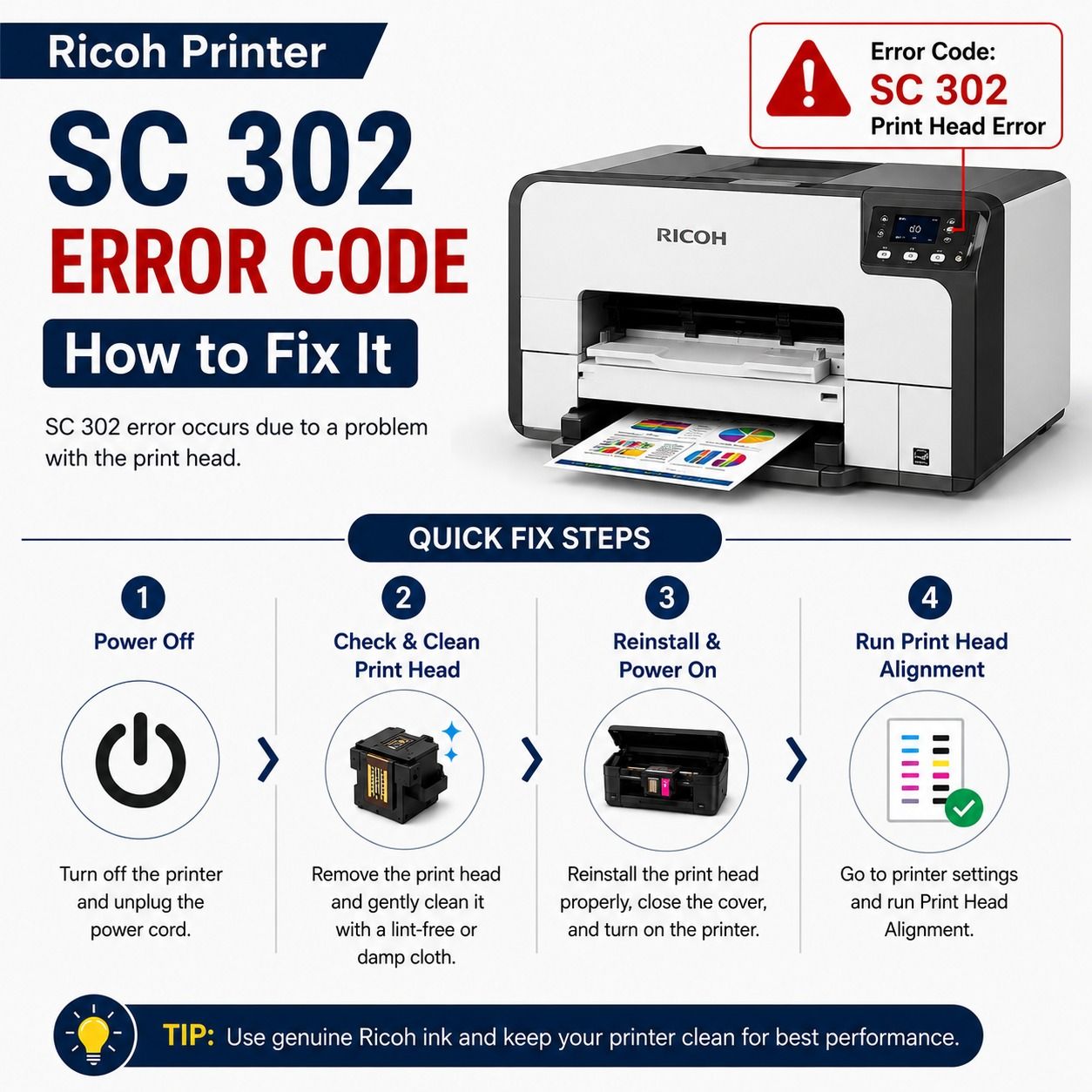
If your Ricoh printer is showing the SC 302 error code, don't worry. This is a common error that usually relates to the printer's laser or polygon mirror motor system. The good news is that in many cases, you can fix the issue without replacing the printer.
In this guide, we'll explain what the Ricoh SC 302 error means, its common causes, and the best ways to solve it.
What Does Ricoh SC 302 Error Mean?
The SC 302 error code indicates that the laser synchronization or polygon mirror motor is not operating correctly. The printer cannot detect the proper speed or signal from the laser unit, so it stops printing to protect internal components.
This error can appear on several Ricoh copier and multifunction printer models.
Common Causes of SC 302 Error
Several issues may trigger the SC 302 error, including:
- Dirty or dusty laser unit
- Faulty polygon mirror motor
- Loose internal cable connections
- Defective laser control board
- Power supply problems
- Firmware issues
- Hardware failure due to wear and tear
Knowing the cause helps you choose the correct solution.
How to Fix Ricoh Printer SC 302 Error Code
Follow these troubleshooting steps one by one.
1. Restart the Printer
Turn off the printer using the power button.
- Unplug the power cable.
- Wait for about 2–3 minutes.
- Plug the printer back in.
- Turn it on again.
Sometimes a simple restart clears temporary system errors.
2. Check for Dust Inside the Printer
Dust buildup around the laser unit can interfere with the laser beam.
If you are comfortable opening the printer:
- Remove loose dust using compressed air.
- Avoid touching delicate optical parts.
- Clean only accessible areas carefully.
If you're unsure, let a qualified technician perform the cleaning.
3. Inspect Internal Connections
Loose cables connected to the laser unit may cause communication problems.
Check that:
- All connectors are firmly attached.
- No cable is damaged.
- There are no signs of burning or corrosion.
Reconnect any loose cables before restarting the printer.
4. Update Printer Firmware
Older firmware may sometimes trigger unexpected system errors.
Visit the official Ricoh support website and install the latest firmware available for your printer model. Always follow the installation instructions carefully.
5. Reset the Error
Some Ricoh models allow service mode resets.
Only perform a service reset if you understand the procedure or have guidance from a qualified technician. Incorrect service mode settings can create additional problems.
6. Replace Faulty Parts
If the error continues after basic troubleshooting, one of these components may need replacement:
- Polygon mirror motor
- Laser unit
- Laser control board
- Power supply board
Hardware replacement is generally recommended for experienced technicians.
Tips to Prevent SC 302 Error
You can reduce the chances of seeing this error again by following these maintenance tips:
- Keep the printer clean and dust-free.
- Use the printer in a well-ventilated environment.
- Install firmware updates regularly.
- Avoid sudden power interruptions.
- Schedule routine maintenance for heavily used printers.
Regular care helps improve printer performance and extends its lifespan.
Frequently Asked Questions
Can I continue printing with SC 302 error?
No. The printer usually stops all printing functions until the problem is resolved.
Is SC 302 a serious error?
It can be. While temporary issues may disappear after a restart, repeated SC 302 errors often indicate a hardware problem within the laser system.
Does updating firmware fix SC 302?
Firmware updates may solve software-related issues, but they will not repair damaged hardware.
Should I replace the printer?
Not necessarily. Most printers can be repaired by cleaning, replacing the laser unit, or repairing the affected component. Replacement is only recommended if repair costs exceed the printer's value.
Conclusion
The Ricoh Printer SC 302 error code usually points to a problem with the laser or polygon mirror motor system. Start with simple solutions like restarting the printer, cleaning dust, checking internal connections, and updating the firmware. If the error remains, professional inspection may be needed to replace faulty hardware.
By performing regular maintenance and keeping your Ricoh printer clean, you can reduce the chances of SC 302 errors and keep your printer running smoothly for years.